Privacy Respecting Browsers
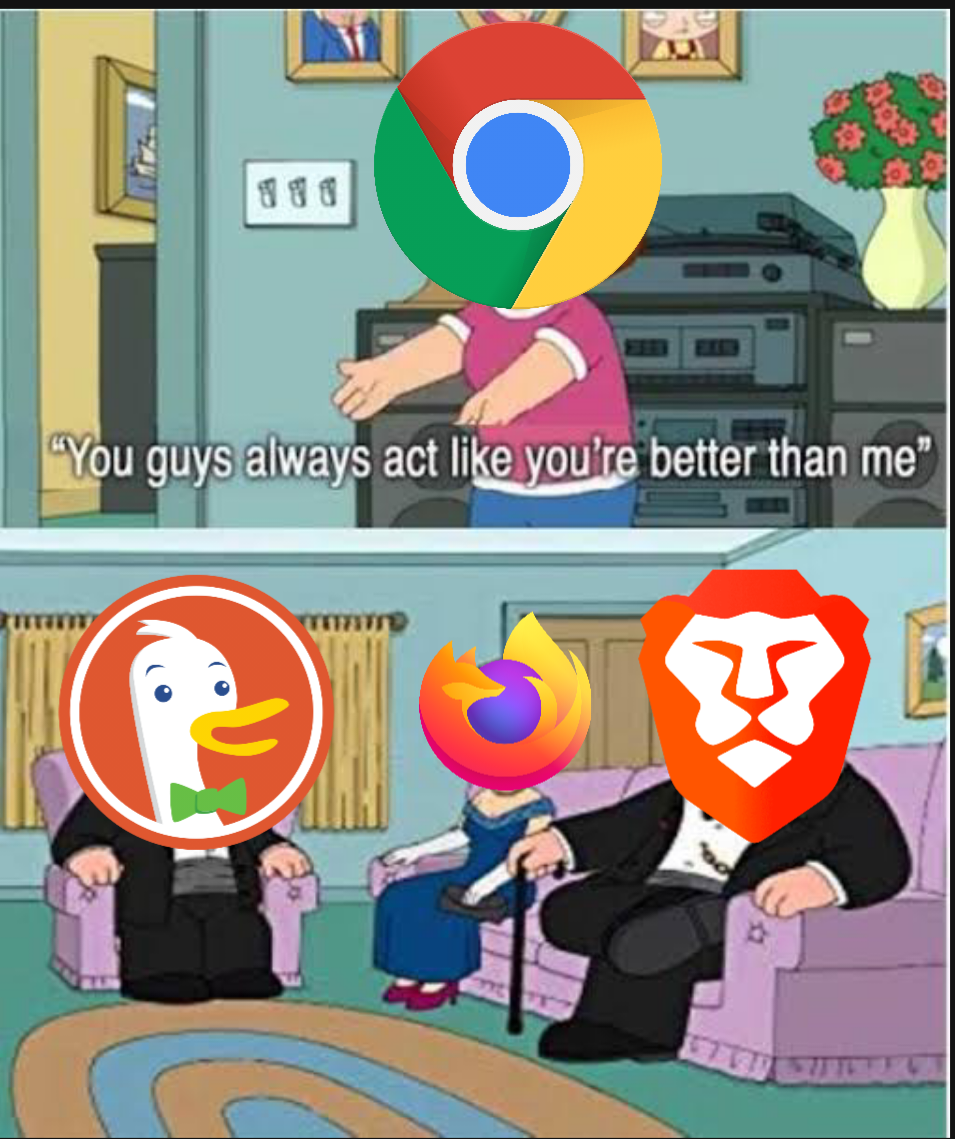
Our browsers are at the center of what we do on the internet. It’s where we do most of our searches, download apps, and store information. However, because of this, they are notorious for following and tracking us when we are using them and allowing third parties to do the same. Google Chrome is by far the most widely used browser unfortunately it is not one that respects your privacy that much. I want to provide you with more privacy-respecting browsers, along with ways to make them better, to improve your experience when you are online. Many times, this will make your browsers faster and more responsive because they won’t be tracking your every movement or in some cases not showing you advertisements. The options I will be showing are free and open source. Meaning anyone can look at the source code for any of these browsers and make sure nothing shady is going on under the hood.
1. Brave Browser: Best for most people.
Brave is out of the box probably one of the most private and secure browsers. It will block trackers and ads by default. This inherently improves your privacy and speed when online making it one of the fastest browsers out there. It will also use encrypted connections wherever it is making it much harder for outside parties to see where you are going online. Brave is also built off chromium, which is also what Google Chrome was built off, making it very easy for people to swap from chrome to brave and feel comfortable. Brave also has its own cryptocurrency built into it, meaning you can choose to watch ads to earn some cash and support your favorite creators because they will no longer be getting ad revenue from you. You can also install extensions like UBlock Origin to improve your experience further: Here is a quick Brave setup guide I made to get you started: https://youtu.be/X1qBRMgIIrk
2. Firefox: For power users.
Firefox is a lot like brave in a lot of ways, but also different in a few notable ways. It blocks trackers and encrypts connections just like Brave; however, it doesn’t block ads by default. This can be easily done with an extension like UBlock Origin, admittedly this isn’t as convenient as Brave. Firefox is not based on Chromium. It is instead built from Mozilla’s Quantum browser engine specifically built for Firefox. This will make it harder for users of Chrome to swap to Firefox. Where Firefox really shines is in its customizability. Meaning you can make it as private as you want. Here is a guide you can follow to make Firefox extremely private: https://privacyguides.org/blog/2019/11/09/firefox-privacy/ I would only recommend doing this if you know what you are doing, and have the time to do so because you can easily mess things up. Therefore, I recommend Firefox to power users.
3. Tor Browser: For the most hardcore.
The Tor Bowser is a lot different than the other browsers on this list instead of making you hidden it works by making you look like everyone else. This is called anonymity Which makes you basically impossible to track and link things to you. This is done through the Tor network; your browser will make a series of connections before connecting you to a site this hides everything about you and hides you among the many other users of Tor. This is method is slow and may break some sites, which is why I wouldn’t recommend it to most people. That said if staying private is your sole goal or something you do requires you to be private, it doesn’t get much better than the Tor Browser.
Resources:
Privacy Guides, Privacy Guides, privacyguides.org/.
TechLore, TechLore, techlore.tech/.
"Why yes yes they are." Reddit, Reddit, www.reddit.com/r/memes/comments/q6emsj/why_yes_yes_they_are/.