Privacy4All

Making Privacy and Security Accessible

8th December 2021

Blog Reflection

This post is a reflection of all the posts I have done for this semester. This is to see all the work I have put into this, see what was good about it, and what I could’ve done better. Here is a list of the posts I have done so far, and all of the requirements they fulfil.

1. Introduction: (Experience Post)

2. Why Should you Care?: (Ethical Post)

3. Privacy Respecting Browsers: (Bonus Post)

a. Video

4. Privacy Interview: (Guest Post)

a. Video

5. Privacy For Teens: (Teaching Kids Post)

6. Hackers are not What You Think: (Pop Culture Post)

7. EV Batteries: (Linked Guest Post)

8. The beginning: (History Post)

9. Privacy Respecting Alternatives: (Virtual Exhibit)

a. PowerPoint (Written)

10. BLE Tracking (Poster Presentation)

11. Blog Reflection (Reflection Post)

I really have enjoyed writing on this blog way more than I initially thought I would. I can see myself adding to this blog even after this assignment is completed although at a make slower pace than I have been. I have learned a lot more about this topic while researching and have heard from others that they have too. Which was the whole point of my blog to begin with, so that all people may be informed about security in a simple understandable way. I am glad to see that this has been achieved. Although there are many things, I think could have been better. Many of my issues steamed from the blogging platform. Formation was a big issue for me, some things are hard to find such as links and even some posts seem to get lost, images and other basic formatting way harder than it needed to be as well. I might consider moving this blog to a new location, such as Wix, because of these issues. I made this choice in the beginning trying to make my blog more private and eliminate advertisements, but I think this was a bad call. I think these issues hurt viewer engagement as things may be hard to find and just doesn’t look as good. Another thing I struggled with was a consistent post schedule. Other Classes would take a lot of my time from this class, and then when I had some down time, I could complete posts in larger chunks. Overall, I am happy with my blog. I believe I did want I wanted to do, but there were some issues along the way. However, I can address these quite easily in the future.

Until next time,

Micah DeBoer

8th December 2021

Bluetooth Low Energy Tracking Attacks Poster Presentation

Hey all! I have recently done a virtual poster presentation for this blog. I thought you all might enjoy it. Here is the link: https://www.youtube.com/watch?v=Ikw1NV8_FkA

In this presentation, I cover some new research done on Bluetooth low energy attacks on mobile devices. This research shows that tracking hardware imperfections in Bluetooth low energy transmissions is feasible, but proves to be quite difficult when used in the wild. The researchers conclude that this isn't likely concerning for most people. However, if this does concern you, it is recommended you turn off Bluetooth if you're not going to be using it. I hope you all enjoy it and hope this helps you all stay safe!

Until next time, 

Micah DeBoer

5th December 2021
5th December 2021

The Beginning

It’s very hard to see the changes happening around you that are happening right now. However, if you were to step back a few years, change is very apparent. We can see this in old photos, videos, and mort all types of media. This is also true for the internet especially when it comes to privacy. Destin from SmarterEveryDay, explains this concept in a very simple way. He claims it's like putting a frog in a boiling pot of water. If you do this the frog will realize the water is too hot and try to get out. However, if you were to put a frog into lukewarm water and heat it up, the frog won’t realize what happening and it will cook itself. In this analogy, we are the frogs, and the pot of water is the internet (Privacy). Why is being on the internet so invasive to your privacy? To answer this, we need to go to the beginning to where it all started.

As we make find new ways to communicate, we also find ways to record and store that information. Wiretapping is a great example of this. This was at first mostly used for investigation purposes, but it quickly got out of hand to where people and police were listening to peoples’ private conversations for their own amusement. This is also true for when the internet first came out. People found ways to record and store information about stuff happening online. Around this time big tech companies such as Google, Facebook, and Apple. These companies offer us services in exchange for our data. This is what is making the internet run. We provide our data to companies so they can profit from it. We may not pay Facebook physical money to use their services, which begs the question who do they make their money then? Well in a company that has no clear business plan or a visible way that company can stay in business, you are the product. They sell your information to advertising agencies and even the government without you even knowing. You don’t own your data if you use those services. As time goes on, they gather more ways to get your data and it doesn’t even need to be data you knowingly give to them or data you need to use the service. This can be GPS location, who you are with, how long you spend looking at things on your phone. (Privacy)

Now you may be able to see how we are the frogs, and we are boiling ourselves. Something needs to happen if this is going to change. If this interests you in any way, I would highly encourage you to watch Destin’s video here: https://www.youtube.com/watch?v=KMtrY6lbjcY

He goes I bit more in-depth than I have here and has provided ways to fight back against this issue.

"Is Your Privacy An Illusion? (Taking on Big Tech) - Smarter Every Day 263." YouTube, YouTube, www.youtube.com/watch?v=KMtrY6lbjcY.

5th December 2021

EV Batteries

Hey guys! I recently got asked by a friend to write about electric vehicle batteries on her blog. I know this is a little off-topic to what I would normally write, but I still think it is worth the read. You can check it out here: https://easyev.weebly.com/blog/electric-vehicle-battery-charging-with-guest-micah-deboer

I talked about how and why I think electric vehicles are great, but also how the batteries are holding them back a bit. This makes them useful in very specific use cases, but may not be as versatile as gas-powered vehicles. I also look at future innovations in that area that will help electric vehicles catch up, and make them better overall vehicles. If this interests you, I would take a look at Livi's blog, as she gives her own insight on electric vehicles.

5th December 2021

Hackers are not What You Think


"Anonymous Hacker" by dustball is licensed under CC BY-NC 2.0

Culture tends to depict hackers as computer geniuses. You might think of a guy aggressively typing away on their keyboards with tons of code flying up the screen to try to get into something they shouldn’t, as fast as they can. You might see them wearing a mask or have distorted voices when they speak. You may think of something like the picture above. You may think this because of movies or shows you watch; it is certainly true from what I have watched. However, the majority of the time this isn’t what hackers really are. Then if what we typically think of hackers as is not accurate, what are they really like?

There are many ways you can get hacked by someone. One of the most prominent ways is by phishing attacks. These are attacks that are targeted towards individuals. They are usually emails sent to you that lead to website the look real but are scams. They ask you to type in your credentials. They then log what you type and can now get into your account or accounts if you use the credentials for other accounts. Before you even know it, you have been “hacked” and all it took was a fake website an email. This takes more tech-savviness than what more people possess but isn’t what you’d normally think for a hacker.

However, there is one group of hackers that fits the pop culture bill quite well, and they are the Carbanak Gang. This group of hackers, hacked into bank networks and stole up 1 billion dollars. This was quite a bit harder than the hack described before, but also has some similarities. For one they also used a phishing type of attack, except for the emails looked as if they were sent from colleges and contained malware that allowed access to the bank’s computers. They would then observe and learn how the bank operates before they would do much else. This took a lot of patience, time, and planning. When they thought the time was right, they would then send money to ATMs and move that into dummy bank accounts and make millions. As you may be able to see pop culture doesn’t depict hackers very accurately. They are in some cases pretty close, however, they usually take a lot of time and planning which is not usually found in movies.

"Heist!" White Rabbit Project, Netflix, www.netflix.com/watch/80107439.

24th November 2021

Privacy for Teens

As you grow up you usually get a lot more responsibility and freedom. A lot of this comes in the form of online freedom. You may be getting access to your own devices or be able to sign out and use more online services. However, with this freedom, it is a lot easier to compromise your online privacy and security. Also, with the lack of experience, it may be harder to spot potential scams or know what good online habits are. I want to provide you with a couple of rules or steps you should try to follow now, so you will be safer as you get older. Your older self will likely be thankful for it.

One of the most important things you can do is use different secure passwords for each service you use. This is something I wish I would’ve done earlier. Many times, services that are compromised will have their users' information leaked, meaning anyone can get their hands on this information. This information will likely include passwords, along with lots of other information. If you use the same password for everything, means if one site you use has an information leak all your accounts everywhere could be compromised. This may lock you out of your accounts or allow more people to get more personal information about you, like your card information or even in some cases your social security number. You might think having a different password for everything you do will be hard or impossible to remember. However, there are apps that can do that for you, like Bitwarden. This will keep track of all your login information in a safe and secure place where you can access them on all your devices. Best of all it is free.

Another thing you might see is phishing attacks. This is where malicious people will send you texts or email you about one on your accounts telling you need to login into your account, but they are just looking to get your login information. These emails look official and are hard to spot because of this. To avoid this, you should NEVER click on links that are sent to you unless you know why you have them or were expecting them. This will prevent them from getting your information in the first place. You can also use unique passwords, mentioned above, to limit the accounts they can get into if this happens. Lastly, probably the best thing you can do is use a two-factor authentication (2FA) app if you can. This will ask you for a number in addition to your password. It combines something you know, your password, with something you have, your 2FA number. This makes it so people can’t get into your account even if they have your login credentials because they can’t get your 2FA number.

These are some easy steps to get you started being online safely. I hope this guide was helpful and you learned something new. Thanks for checking this out and stay safe!

Micah DeBoer

24th November 2021
15th November 2021

Privacy Respecting Browsers


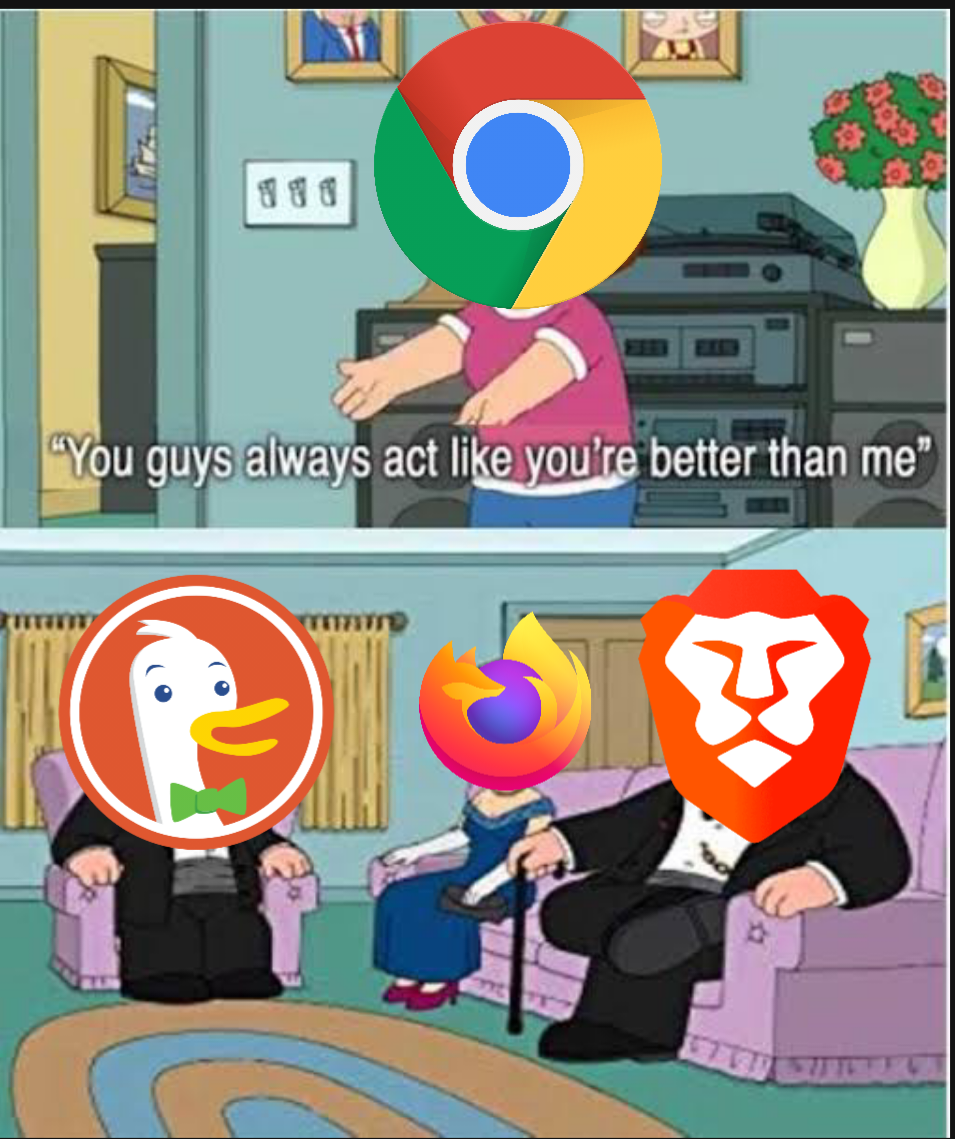
Our browsers are at the center of what we do on the internet. It’s where we do most of our searches, download apps, and store information. However, because of this, they are notorious for following and tracking us when we are using them and allowing third parties to do the same. Google Chrome is by far the most widely used browser unfortunately it is not one that respects your privacy that much. I want to provide you with more privacy-respecting browsers, along with ways to make them better, to improve your experience when you are online. Many times, this will make your browsers faster and more responsive because they won’t be tracking your every movement or in some cases not showing you advertisements. The options I will be showing are free and open source. Meaning anyone can look at the source code for any of these browsers and make sure nothing shady is going on under the hood.

1. Brave Browser: Best for most people.

Brave is out of the box probably one of the most private and secure browsers. It will block trackers and ads by default. This inherently improves your privacy and speed when online making it one of the fastest browsers out there. It will also use encrypted connections wherever it is making it much harder for outside parties to see where you are going online. Brave is also built off chromium, which is also what Google Chrome was built off, making it very easy for people to swap from chrome to brave and feel comfortable. Brave also has its own cryptocurrency built into it, meaning you can choose to watch ads to earn some cash and support your favorite creators because they will no longer be getting ad revenue from you. You can also install extensions like UBlock Origin to improve your experience further: Here is a quick Brave setup guide I made to get you started: https://youtu.be/X1qBRMgIIrk

2. Firefox: For power users.

Firefox is a lot like brave in a lot of ways, but also different in a few notable ways. It blocks trackers and encrypts connections just like Brave; however, it doesn’t block ads by default. This can be easily done with an extension like UBlock Origin, admittedly this isn’t as convenient as Brave. Firefox is not based on Chromium. It is instead built from Mozilla’s Quantum browser engine specifically built for Firefox. This will make it harder for users of Chrome to swap to Firefox. Where Firefox really shines is in its customizability. Meaning you can make it as private as you want. Here is a guide you can follow to make Firefox extremely private: https://privacyguides.org/blog/2019/11/09/firefox-privacy/ I would only recommend doing this if you know what you are doing, and have the time to do so because you can easily mess things up. Therefore, I recommend Firefox to power users.

3. Tor Browser: For the most hardcore.

The Tor Bowser is a lot different than the other browsers on this list instead of making you hidden it works by making you look like everyone else. This is called anonymity Which makes you basically impossible to track and link things to you. This is done through the Tor network; your browser will make a series of connections before connecting you to a site this hides everything about you and hides you among the many other users of Tor. This is method is slow and may break some sites, which is why I wouldn’t recommend it to most people. That said if staying private is your sole goal or something you do requires you to be private, it doesn’t get much better than the Tor Browser.

Resources:

Privacy Guides, Privacy Guides, privacyguides.org/.

TechLore, TechLore, techlore.tech/.

"Why yes yes they are." Reddit, Reddit, www.reddit.com/r/memes/comments/q6emsj/why_yes_yes_they_are/.

11th November 2021

Why Should you Care?


Many times, when people hear about internet security and privacy, they are quick to dismiss it because they claim, “I have nothing to hide” or they think “I’m a good person, so why should I care?” If this is you, I would encourage you to stop and read this post. You might think these augments are true, however, I’m here to say you do have something to hide, and even if you are a good person you should care about your online security and privacy. Many times, I feel these arguments exist because people are misinformed about what information is collected about them and how it is used. In this post want to explore these arguments and give counter augments to these and give you reasons why you should care.

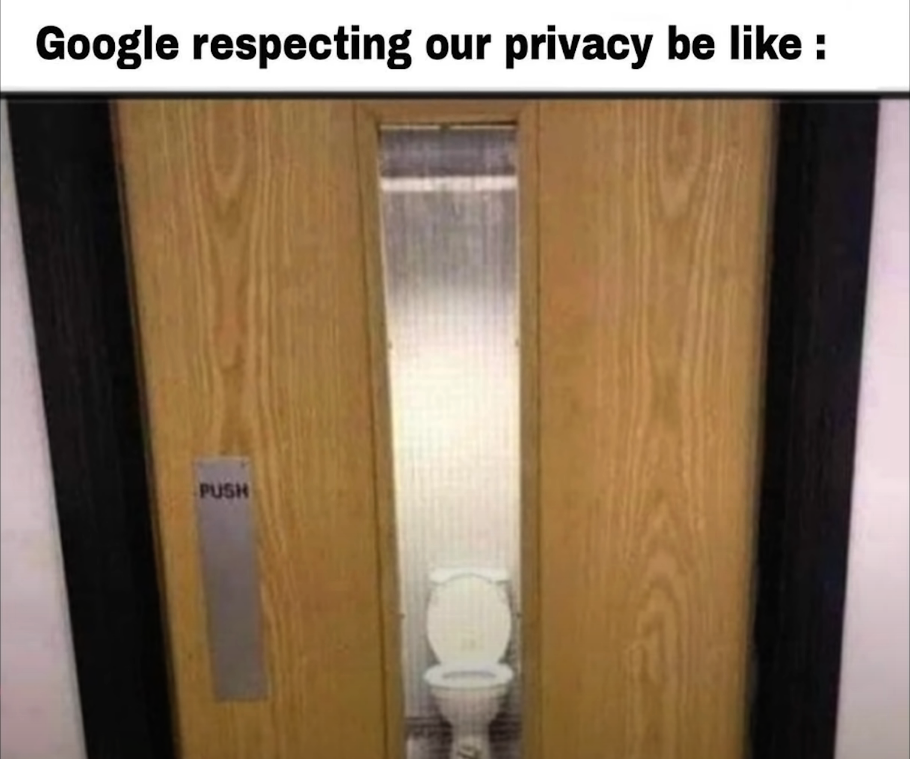
By far the most common argument against caring about your online privacy is the “I have nothing to hide” argument. The problem with this augment is that everyone has something to hide whether they think it or not. Emilio Mordini states “People do not need to have "something to hide" in order to hide something.” (Mordini). You wouldn’t pass out our social security number to random people or let everyone know everything you've done. This proves you do have everyone has some things to hide. Something also doesn’t need to be a secret for it to be hidden. For example, when you shower you shut the door and use shower curtains. What you are doing in there isn’t a secret, but we take precautions to make sure that it isn’t seen. We should think this way about our online security and privacy. We should take precautions to keep secure the things we don’t want people to have, like personal sensitive information. We should also take steps to hide things people just don’t need to see or have access to. Like why do Google and Facebook need to track everywhere you go and everything you do both online and in real life? THEY DON’T! So why let them have access to that information?

The second augment I see a lot is “I’m a good person, so why should I care?” This argument is already a little like the “I’ve got nothing to hide” argument, so those same things apply here, but it also goes a bit further than that. First of all, this argument makes the assumption that the people who care about their privacy are inherently bad people. We know this isn’t true, we wouldn’t think this about someone we just meet out in public and they didn’t share everything about themselves. Second, people take information about good people and twist it to make them look like they aren’t good people. Bruce Schneier quotes, "If one would give me six lines written by the hand of the most honest man, I would find something in them to have him hanged." (Schneier). Lastly, good people should still take steps to protect themselves against evil people. People who are looking to collect and steal your information do not have your best interest in mind. We need to protect ourselves!

I hope this has made you think about your online security and privacy in a different light. As a couple of rules of thumb, think about your information online as you would your information out in public, if something doesn’t need information to function properly don’t give it to them. Finally, if something doesn’t have a clear business model, you are the product. You may be wondering what you can do to fight this issue, I will have posts coming out shortly about steps you can take. Until then stay safe! If you have questions email me at, privacy4all.ia6nj@aleeas.com.

Micah DeBoer

Recourses:

Mordini "Nothing to Hide — Biometrics, Privacy and Private Sphere." pp.257-260

Schneier, Bruce. "The Eternal Value of Privacy." Schneier on Security. May 18, 2006.